
How to Change Twitter Username on X: Steps and Checkmark Rules
Steps to change your X (Twitter) username, the 15-character rules, why Premium accounts lose the blue checkmark, and what happens to your old handle.
To change your X (Twitter) username, open Settings and privacy, tap Account, then Username, type a new handle of up to 15 letters, numbers or underscores, and tap Done. Your followers, DMs and replies stay put, but your old handle is free for anyone to claim immediately. On Premium, the change also removes your blue checkmark until X re-reviews the account.
This guide is for anyone renaming an X account: creators rebranding, businesses fixing an old handle, Premium subscribers who don't want to lose their check for several business days, and buyers who have just taken over an account. It covers the exact steps, X's naming rules, what survives a rename, what happens to your old @, how checkmark review works, how inactive handles are released, and a rebrand checklist in the right order. Platform rules are as of October 2026.
Key takeaways
- You change your X username in Settings and privacy, under Account, then Username, and the new handle must be more than 4 and no more than 15 characters using only letters, numbers and underscores.
- Changing your X handle keeps your followers, Direct Messages and replies, but your old handle becomes available to anyone the moment you switch.
- On X Premium, changing your handle, display name or profile photo removes the blue checkmark until X reviews the account again, which can take several business days.
- While X reviews a Premium account after a profile change, you cannot make further changes to the photo, display name or username.
- X says it cannot release inactive usernames, except through its Handle Marketplace, which is limited to Premium+, Premium Business and Premium Organizations subscribers.
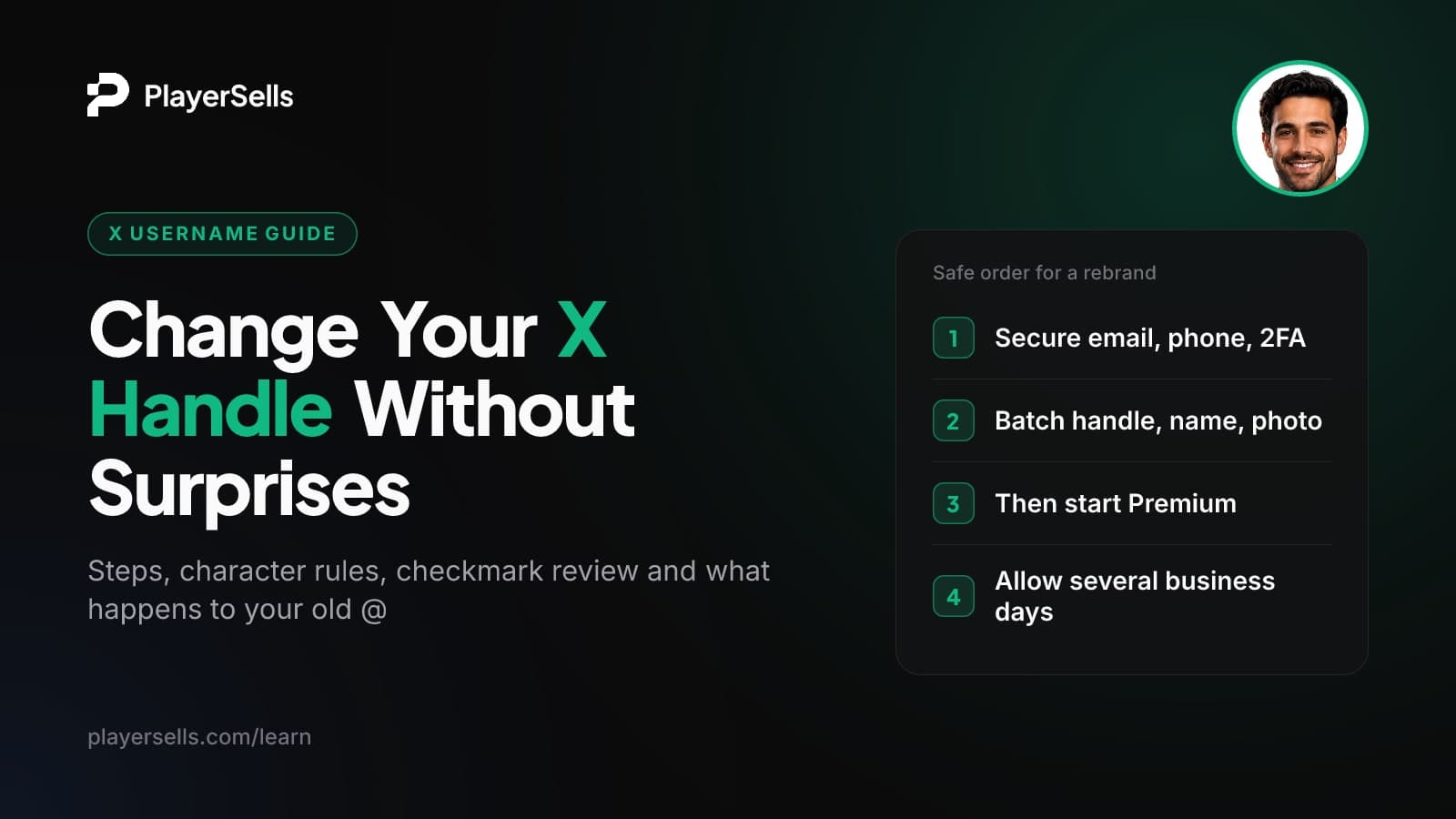
- After taking over an X account, secure the login first and make all profile changes in one batch before starting or renewing Premium.
Username vs display name: which one are you changing?
Your username is your @handle: the unique address people use to mention you and the part of your profile URL. Your display name is the bold name shown above it. Most people searching "how to change twitter username" want the handle, but both changes have the same side effect on Premium accounts.
According to X's help page on changing your username, a username must be more than 4 characters and no more than 15, and can contain only letters, numbers and underscores. A display name can be up to 50 characters.
| Rule (as of October 2026) | Username (@handle) | Display name |
|---|---|---|
| Maximum length | 15 characters | 50 characters |
| Minimum length | More than 4 characters, per X's help center | Not specified by X |
| Allowed characters | Letters, numbers, underscores. No spaces | X lists only the length cap |
| Can be "taken" by another account | Yes, X asks you to pick another | Not addressed by X |
| Removes Premium checkmark when changed | Yes, until re-review | Yes, until re-review |
Why does X say a handle is taken?
Usually because another account holds it. But a handle can also look free and still be blocked. X says usernames held by suspended or deactivated accounts are not immediately available, and it "cannot release inactive usernames at this time" outside its paid Handle Marketplace (covered below). If the handle you want is sitting on a dormant profile, the regular settings screen won't get it for you.
How do you change your X username?
The change works in the iPhone app, the Android app and the browser. Menu labels shift between versions, so treat the path below as a guide rather than exact wording. Some third-party guides still claim the native apps can't change usernames. That's wrong: X's own instructions are written for the app.
- Step 1: Open X and go to Settings and privacy.
- Step 2: Tap Account. On the web, the path usually reads Your account, then Account information.
- Step 3: Tap Username and type the new handle in the Username field. If it's taken, X will ask you to choose another.
- Step 4: Tap Done (the button label may differ slightly on the web).
- Step 5: Open your profile and confirm the new @ appears, then update every place you've published the old one.
X recommends telling your followers before you switch. A short post a day or two ahead ("we're becoming @newname on Friday") cuts confusion and makes impersonators of the old handle easier to spot.
How to change your display name on X
The display name isn't in the Username setting. You edit it from your profile's edit screen, in the Name field, and save. It's a smaller change than a handle swap, but on Premium it triggers the same checkmark review, so don't treat it as a casual tweak. If you're rewriting the bio at the same time, our free bio optimizer helps you test a new version before you commit.
What stays and what changes when you rename?
Your audience and conversations stay with you. X says a username change doesn't affect existing followers, Direct Messages or replies: followers simply see the new name next to your profile photo. What does change is everything tied to the old handle as a text string.
| Item | After a handle change |
|---|---|
| Followers | Kept |
| Direct Messages | Kept |
| Replies | Kept |
| Old @handle | Released immediately, anyone can claim it |
| Blue checkmark (Premium) | Removed until X re-reviews the account |
| Further photo, name or handle edits (Premium) | Locked during the review |
| Links and mentions typed with the old @ | Not addressed by X. Treat them as pointing to the handle, not to you |
That last row deserves attention. X's help pages don't explain how old mentions or links behave, so plan for the worst case: a link in another site's bio, an email signature or a printed card points to whoever holds that @ next. Update those yourself rather than relying on X to redirect anything.
What happens to your old X handle?
It goes back into general circulation the second you save the new one. X says the old username is immediately available for anyone to use, and there is no holding period. If your old @ has any recognition, someone can pick it up and pose as you, or simply sit on it.
Two habits reduce that risk. First, if you own a second account, claim the old handle on it right away so nobody else can. Second, tell your audience the new handle in advance so they know which account is real.
How to move a handle between two accounts you own
X supports a simple swap, with one warning: in the gap between steps, the handle is public and another account may take it.
- Step 1: Have both accounts logged in and ready, ideally in two browser windows or two devices.
- Step 2: On the account that holds the handle, change its username to something else. The original is freed immediately.
- Step 3: On your other account, open the Username setting and claim the freed handle straight away.
If either account has Premium, remember that both accounts have changed their handle, so expect any Premium account involved to lose its checkmark until X reviews it again.
Why does your blue checkmark disappear after a profile change?
Because X re-checks Premium accounts whenever the identity on the profile changes. According to X's blue checkmark help page, changing your profile photo, display name or @handle temporarily removes the checkmark until X confirms the account still meets its requirements. The rule isn't new: X (then Twitter) announced it when Twitter Blue relaunched in December 2022.
During a checkmark review, X does not allow further changes to your profile photo, display name or username. Plan every profile change before you make the first one.
How long does checkmark review take?
X's Premium FAQ says the re-review "can take several business days." X doesn't publish a firmer number, so anyone promising your check back within hours is guessing. New subscribers may also wait several business days for the checkmark to appear the first time.
What X checks before the badge returns
As of October 2026, an account needs an active Premium or Premium+ subscription, a display name and profile photo, activity in the past 30 days and a confirmed phone number. It must also be non-deceptive, which X defines to include no recent changes to profile photo, display name or username and no signs of being misleading. X adds that it can remove a checkmark at any time, at its sole discretion and without a refund.
One wording note: in the EEA, X no longer calls blue checkmark users "verified" and calls them Premium users instead. The blue check confirms a paid subscription that meets X's rules. It isn't an identity check by itself.
The safe order of changes
Because eligibility requires "no recent changes" and edits lock during review, making changes one at a time is the slowest route. Change the handle, wait days, change the photo, wait again. Instead, decide all three (handle, display name, photo) in advance and make them in one sitting, ideally before you subscribe or re-subscribe to Premium. If Premium is already active, X may lock the remaining fields once your first change saves, and you'll have to wait out a review before the next one. That's the main reason to finish rebranding before Premium is active.
Blue check vs ID verified, gold and grey checkmarks
These are different signals, and people often mix them up:
- Blue checkmark: Premium or Premium+ subscription plus X's eligibility rules.
- ID verified label: optional for Premium subscribers. You verify with a government-issued ID, and per X's ID verification policy it's currently for individuals only, not businesses or organizations.
- Gold checkmark: an official organization on Premium Business.
- Grey checkmark: a government or multilateral organization or official.
X can also ask for a government ID for safety reasons outside Premium, for example impersonation reports, grey badge applications and political ads certification. X doesn't say whether the ID verified label survives a display name change, so don't assume it protects you from review.
Can you get a handle from an inactive X account?
Not through the normal settings screen. X says it cannot release inactive usernames at this time. The only official route is the X Handle Marketplace, which, as of October 2026, requires Premium+, Premium Business or Premium Organizations. You reach it at handles.x.com or through the "Request an inactive handle" tab in Premium Hub. X may deny a request or take a handle back if you no longer meet eligibility, with no refund except where the law requires one.
| Handle type (at launch) | Examples | Cost and conditions, as reported |
|---|---|---|
| Priority | Full names, multi-word phrases, alphanumeric combinations | Free to request for Premium+ and Premium Business. Reverts to your old handle after a 30-day grace period if you cancel or downgrade |
| Rare | Short, generic handles like @Pizza or @Tom | From $2,500 to over seven figures. Buyers keep the handle even if the subscription ends |
The tiers, pricing and 30-day grace period come from TechCrunch's October 2025 launch coverage, not from X's help page, and may have changed since. MediaNama reported that X handles Priority requests within three business days and reserves your original handle once a request is approved. It also reported that X doesn't allow buying or selling handles outside the platform, and that buying one from outside sources can lead to suspension. For the full picture, see our explainer on what the X Handle Marketplace charges and why you can't resell a handle.
Rebrand checklist after you take over an X account
Secure the account first and rename it second. A new owner who changes the handle before locking down email, phone and two-factor authentication is making a public announcement while the previous owner may still have access.
Be clear about platform risk before you start. MediaNama reported that X doesn't allow buying or selling handles outside its platform and that doing so can lead to suspension, and X's Terms may restrict account transfers too. Read X's current Terms of Service yourself before you buy, because no marketplace can promise how X will treat an account after a change of hands.
- Step 1: Confirm the account matches what you agreed to (handle, follower count, checkmark status) before you edit anything, so you have a clear record of what you received.
- Step 2: Change the password, then replace the email and phone number with your own. Our X account transfer checklist covers the order that avoids lockouts.
- Step 3: Turn on two-factor authentication under your control and remove the previous owner's methods.
- Step 4: Review connected apps and logged-in sessions, and revoke anything you don't recognise.
- Step 5: Pick the new handle, display name and photo offline, and check the handle is available.
- Step 6: Make all three profile changes in one session.
- Step 7: Only then start or renew Premium. X says the checkmark review can take several business days.
- Step 8: Post an introduction so the existing audience understands the change, then follow the pacing in our first 90 days after buying an X account guide.
Buying or selling an X account on PlayerSells
If you're acquiring an account you plan to rebrand, the handover matters more than the rename. On PlayerSells, every listing is reviewed by a person before it goes live, and payment runs through escrow: the buyer pays PlayerSells, the money is held, and the seller is paid only after the buyer confirms the account was delivered as described.
Each deal moves through a fixed sequence (offer sent, accepted, payment pending, paid, delivered, buyer confirmed, completed), and either side can open a dispute before completion. A human moderator reviews disputes, and the money stays held while one is open. That's why Step 1 above matters: check the account against the listing before you change the handle or photo, and only confirm once it's secured. You can see the full flow on how PlayerSells works, or browse X accounts, verified X accounts and aged X accounts. If the account has a Premium blue checkmark, remember that any change to the handle, display name or photo puts it through X's review again.
Frequently asked questions
Will I lose followers if I change my X handle?
No. X says a username change doesn't affect existing followers, Direct Messages or replies. Followers simply see your new handle next to your profile photo. You may lose some recognition if people don't know about the change, which is why X suggests announcing it first.
How long does it take to get the blue checkmark back after changing my username?
X says the re-review "can take several business days." It doesn't give a fixed number, and you can't edit your photo, display name or username while the review runs. Your account also has to keep meeting the eligibility rules, including an active subscription and a confirmed phone number.
Can someone take my old Twitter username after I change it?
Yes, immediately. X releases the old handle the moment you save the new one, and any account can claim it. If the old handle has value, claim it on a second account you control right after the switch.
Does ID verification on X stop me from losing my checkmark when I change my name?
X doesn't say it does. The checkmark rule applies to Premium accounts that change their photo, display name or handle, and X lists no exception for ID-verified subscribers. X also doesn't confirm whether the ID verified label itself survives a name change, so plan for a review either way.
Does changing my X username break old links and mentions?
Assume it can. X's help pages confirm that followers, DMs and replies carry over, but they don't explain how old mentions or links typed with your previous handle behave. Since the old handle is free for anyone, update links in bios, websites and signatures yourself.
Is there a limit on how often I can change my X username?
We couldn't find an official X statement on a cooldown or cap for standard accounts, so be wary of sites that promise "unlimited" changes. For Premium accounts there is a practical limit: each change triggers a review that can last several business days, and further edits are locked until it ends.
Bottom line: rename once, in the right order
Changing your X username is easy: Settings and privacy, Account, Username, Done. The real decisions are around it. Pick a handle you'll keep, tell followers first, protect the old @ if it matters, and on Premium, batch the handle, name and photo changes so you only go through one review.
If you're doing this on an account you've just taken over, lock down the credentials before touching the profile. Start with our X account transfer checklist, then rebrand.
Free tools for this topic

Published by the PlayerSells editorial team. Data comes from PlayerSells marketplace records and our own crawlers. About PlayerSells · Editorial policy
Related Articles
Continue learning with these related guides.

Kick Creator Incentive Program: Requirements, Pay, Payouts
Kick Creator Incentive Program requirements as of 2026: 75 CCV, 30 hours, 25 subs, plus verification, the 95/5 split and how Stripe payouts arrive.
How to Sell a Valorant Account: Riot Rules, Value, Handover
Selling a Valorant account breaks Riot's ToS and risks a ban. Learn what drives value, the proof buyers want, and a handover order that limits recovery risk.
YouTube Brand Account: Owners, Managers and Primary Owner
A YouTube Brand Account lets several people run one channel. Learn the primary owner, owner and manager roles, the 7-day transfer rule and pre-buy checks.