
SIM Swap Attacks: How Accounts Get Stolen and How to Stop It
A SIM swap lets criminals receive your SMS codes and reset X, Instagram and TikTok passwords. Learn how to lock your number and switch to app-based 2FA.
A SIM swap happens when a criminal convinces your mobile carrier to move your phone number onto a SIM or device they control, usually by pretending to be you. From then on, they receive your calls and texts, including SMS login codes and password reset messages. You protect yourself by locking your number at the carrier and moving 2FA from text messages to an authenticator app or security key.
This guide is for anyone whose X, Instagram, TikTok or Telegram account is worth protecting, especially creators and people buying or selling established accounts. It covers the full attack chain from carrier to account takeover, why SMS recovery is a separate risk from SMS login codes, how carrier PINs and locks differ, which 2FA method to use, and what to do in the first hour after a swap.
Key takeaways
- A SIM swap does not require the criminal to touch your phone, because the attack targets your carrier account rather than your handset.
- Switching 2FA login codes to an authenticator app does not fully protect an account if the same phone number can still be used to reset the password.
- A SIM PIN only locks the physical card in your phone and does nothing against a SIM swap. A carrier account PIN, a port-out lock and a SIM change lock are the protections that guard the number itself.
- Since March 20, 2023, X has limited text-message 2FA to Premium subscribers, so as of October 2026 anyone without Premium needs an authenticator app or security key for 2FA on X.
- The FBI's IC3 received 971 SIM swap complaints in 2025 with $17,366,758 in reported losses, and those US-only figures count only incidents that victims reported.
- When a social account changes hands, the new owner should remove the old phone number and email, set up app-based 2FA on their own device, and generate fresh backup codes.
What is a SIM swap and how does it work?
A SIM swap is a carrier-level hijack of your phone number. The FCC describes it as a bad actor convincing your wireless carrier to transfer your service from your phone to one in the criminal's possession, and it notes this can happen without the criminal ever having physical access to your phone.
The FBI's Internet Crime Complaint Center calls the method "unsophisticated social engineering." In plain terms, the attacker usually just talks their way past customer support, often using personal details found online or in data breaches. A closely related variant, port-out fraud, moves your number to a different carrier entirely. The result for you is the same: your number now rings on someone else's device.
The attack chain, step by step
- Step 1: The attacker picks a target, often someone with a valuable social account, crypto, or a known handle, and gathers personal details such as name, address and the last digits of an ID number.
- Step 2: They contact the carrier (or a retail store) posing as you and ask for a new SIM, an eSIM activation, or a port to another provider.
- Step 3: Your phone suddenly loses service. Their device now receives your calls and texts.
- Step 4: They go to your email and social accounts, tap "Forgot password," and choose the option to text a code to your number.
- Step 5: With the reset code in hand, they set a new password, change the recovery email and phone, and turn on their own 2FA so you cannot get back in easily.
Once the carrier approves the change, the rest can happen quickly, possibly before you even notice your phone has no service. That speed is why prevention matters far more than cleanup.
Can a SIM swap take over your Instagram, X, TikTok or Telegram account?
Yes, if your phone number is connected to the account for login codes, password resets, or both. An FBI public service announcement spells it out: once criminals control your number, they can send "Forgot Password" or "Account Recovery" requests to your email and any other accounts linked to that number.
SMS 2FA and SMS recovery are two different risks
Many security guides skip this point. Your phone number can play two roles on an account, and you need to close both.
- SMS 2FA sends a one-time code when you log in from a new device. A SIM swap hands that code to the attacker, but they still need your password.
- SMS recovery lets anyone who controls the number reset the password itself. This is often the worse hole, because it can skip the password entirely.
Moving your login codes to an authenticator app fixes the first problem. It does nothing for the second if the phone number is still listed as a recovery method. Where a platform lets you, remove the number or make sure recovery goes to an email account that is itself protected by an app or security key.
How it plays out on each platform
X: According to the X Help Center, text-message 2FA has been available only to Premium subscribers since March 20, 2023, and accounts that still had it were prompted to turn it off. X offers text message, authentication app and security key as methods. Even so, a phone number left on the account can still be a route for resets, so check it.
Instagram: When you turn on 2FA, you choose text message codes or a third-party authentication app such as Duo Mobile or Google Authenticator, according to Instagram's help center. Codes are requested when you log in from a new device. A SIM swap defeats the SMS option, and the email and phone on the account control recovery.
TikTok: TikTok's Ads Manager help documents three 2-step verification methods for TikTok for Business accounts: text message to the linked number, email, or an authenticator app, and it recommends setting up more than one. Options in the consumer app may differ, so check the security settings in your own app.
Telegram: Telegram accounts are registered with a phone number, which makes the number especially important. Look in Telegram's privacy and security settings for any additional password option it offers beyond the login code, and confirm the current details on telegram.org, because the options can change.
How common are SIM swaps? What the FBI and FCC say
SIM swaps are a steady, costly crime rather than a rare one. The FBI IC3 2025 Annual Report lists 971 SIM swap complaints in 2025, compared with 982 in 2024 and 1,075 in 2023. Reported losses were $17,366,758 in 2025, down from $25,983,946 in 2024.
Read those numbers with care. They are US-only and count only incidents victims reported to the FBI, so the real total is likely higher. For context, the FBI's 2022 PSA reported 320 complaints and about $12 million in adjusted losses across the three years from January 2018 to December 2020.
On the regulatory side, the FCC adopted rules on November 15, 2023 that require US wireless providers to use secure methods to authenticate customers before moving a number to a new device or provider, and to notify customers immediately when a SIM change or port-out request is made, per the FCC's announcement. The order does not mandate specific authentication methods and includes provisions on account locks. Compliance was tied to a federal paperwork review, so check the current status before assuming every carrier has implemented it. Outside the US, rules and carrier features vary by country.
How do you know you've been SIM swapped, and what should you do?
The clearest sign is your phone suddenly showing no service or "SOS only" while you are somewhere with normal coverage. Other warnings include:
- A text or email from your carrier about a SIM change, eSIM activation or number transfer you did not request.
- Password reset or new login alerts from your email, X, Instagram or TikTok.
- Friends saying your calls go to someone else or your texts stopped arriving.
- Being logged out of apps on your phone without explanation.
Treat lost service plus any login alert as an emergency. Every minute counts.
What to do in the first hour
- Step 1: From Wi-Fi or another phone, call your carrier, report the SIM swap, ask them to restore your number to your SIM, and add a port-out PIN or SIM change lock on the spot.
- Step 2: Secure your primary email first. It is the master key to everything else, so change the password and switch its 2FA to an app or security key.
- Step 3: Change passwords on X, Instagram, TikTok, Telegram and your bank, starting with whatever matters most. Move 2FA off SMS and remove the phone number from recovery where possible.
- Step 4: Log out all other sessions and check that the attacker has not added their own email, phone, 2FA app or connected apps.
- Step 5: For any account you have already lost, use the platform's official recovery or support flow. Tell your bank if financial accounts were touched.
- Step 6: In the US, file a complaint with the FBI's IC3, and keep notes with times, screenshots and carrier reference numbers.
How do you lock your number with your carrier?
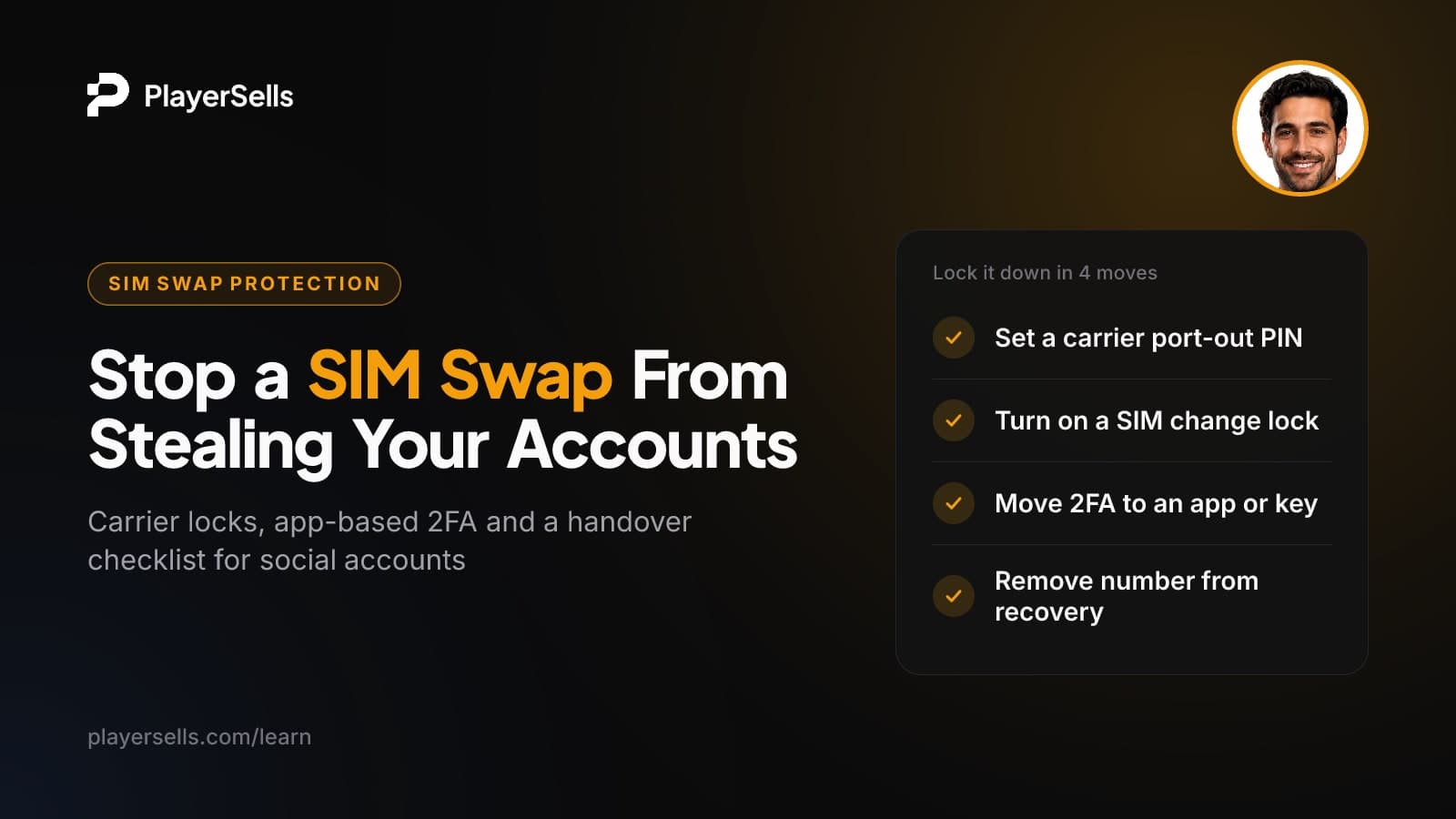
Ask your carrier to add an account PIN or passcode and turn on any port-out or SIM change lock it offers. People often mix up these protections, and the most familiar one, the SIM PIN, does nothing against a SIM swap.
| Protection | What it locks | Stops a SIM swap? |
|---|---|---|
| SIM PIN | The physical SIM card in your handset, so a thief with your phone cannot use it | No. The swap happens at the carrier, not on your phone |
| Carrier account PIN or passcode | Access to your account when you call support or visit a store | Helps, by making impersonation harder |
| Port-out (number transfer) PIN or lock | Moving your number to another carrier | Strongest protection against port-out fraud, where your carrier offers it |
| SIM change lock | Moving your number to a new SIM or eSIM on the same carrier | Strongest protection against SIM swaps at the same carrier, where offered |
Feature names differ by carrier and country, so search your carrier's own support pages for terms like "number lock," "SIM protection," "port-out PIN" or "account lock." If a feature exists, turn it on.
- Step 1: Log in to your carrier account or call support, and set a unique account PIN that is not your birthday, address or the last digits of any ID.
- Step 2: Turn on the port-out lock or create a number transfer PIN.
- Step 3: Turn on any SIM change or eSIM change lock.
- Step 4: If your carrier offers it, set SIM change and port-out alerts to reach your email as well as your phone, so you still get warned if your number is taken.
- Step 5: Store your PINs in a password manager, not in your notes app or email.
Authenticator app vs SMS vs security key: which 2FA should you use?
Use a security key where it is supported, an authenticator app everywhere else, and SMS only as a last resort. An authenticator app generates codes on your device, so a SIM swap cannot intercept them. It is not unhackable, though: a convincing phishing page can still trick you into typing a live code. Security keys and passkeys check the website you are on, which makes them resistant to phishing.
| Method | Survives a SIM swap? | Resists phishing? | Main downside |
|---|---|---|---|
| SMS text code | No | No | Anyone who controls your number gets the code |
| Authenticator app | Yes | No | Losing the phone without backup codes can lock you out |
| Security key | Yes | Yes | Costs money and not every platform supports it |
Where to change it on each platform (as of October 2026)
- X: Settings and privacy > Security and account access > Security > Two-factor authentication. Choose authentication app or security key.
- Instagram: Accounts Center > Password and security > Two-factor authentication. Choose the authentication app. A WhatsApp option may also be offered, but it is still tied to your phone number.
- TikTok: Open your security settings and look for 2-step verification. Pick the authenticator app if available and add a second method, as TikTok recommends for business accounts.
- Telegram: Check privacy and security settings for any extra password option beyond the login code, and add a recovery email you control if one is offered. Confirm the current options on telegram.org.
After switching, save the backup codes each platform gives you somewhere offline. Then go back and check the recovery phone number on every account.
Buying or handing over an account? Move off SMS at handover
When a social account changes owners, every recovery path that still points at the old owner is a back door. If the seller's phone number stays on the account, whoever controls that number (the seller, or a SIM swapper targeting the seller) can reset the password later. Many platforms' terms restrict selling or transferring accounts, so understand that risk for your platform before you buy, and then close every door you can.
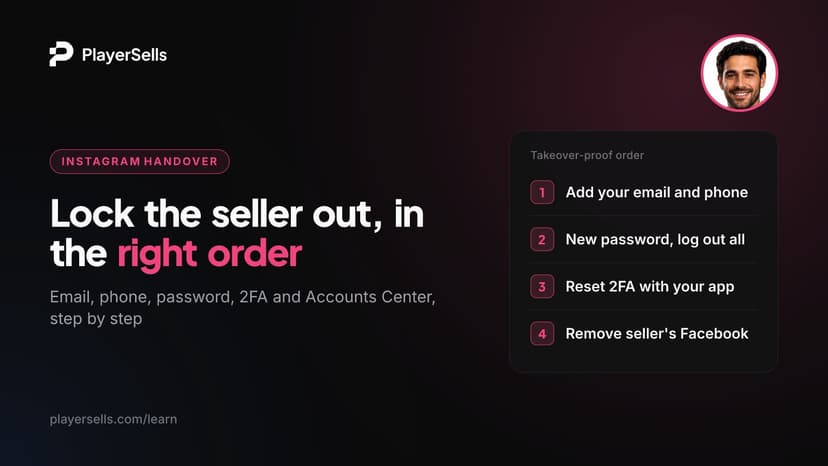
- Step 1: Log in and change the password immediately to one only you know.
- Step 2: Replace the email address with one you control and that has its own app-based 2FA. Our guide on changing the email and phone on a bought Instagram account walks through the details.
- Step 3: Remove the previous owner's phone number. Add your own only if the platform requires one, and lock that number at your carrier first.
- Step 4: Turn off the old 2FA and set up an authenticator app or security key on your own device.
- Step 5: Generate fresh backup codes and check that the platform says the old set has been replaced, so any codes the seller saved no longer work.
- Step 6: Log out all other sessions and remove connected third-party apps you do not recognize.
Sellers benefit too. A clean handover means the buyer has no reason to claim you kept access, and your own number stops being a target for anyone hunting that account. For X specifically, see our complete buyer's guide to safe X accounts and the red flags to spot before you buy.
How PlayerSells fits into a secure handover
The handover checklist above works best when payment is not released until it is done. On PlayerSells, the buyer pays PlayerSells, the money is held in escrow, and the seller is paid only after the buyer confirms the account was delivered as described. That gives the buyer time to change the email, remove the old number and set up app-based 2FA before confirming.
Every deal follows the same sequence: offer sent, accepted, payment pending, paid, delivered, buyer confirmed, completed. If something is wrong, such as a recovery phone that cannot be removed, either side can open a dispute before completion. A human moderator reviews it, and the money stays held while the dispute is open. Every listing is also reviewed by a person before it goes live. You can read the full flow on how PlayerSells works and our safety guidelines.
Frequently asked questions
Can someone SIM swap me without having my phone?
Yes. The FCC notes that a SIM swap can happen without the criminal ever gaining physical control of your phone. The attacker targets your carrier account, which is why carrier-side locks and PINs matter more than locking your handset.
Does an eSIM protect against SIM swapping?
Not by itself. An eSIM changes how the SIM is stored in your phone, but the carrier can still move your number to a different device if an attacker convinces them to. Add an account PIN and any SIM change lock your carrier offers, whether you use a physical SIM or an eSIM.
Should I remove my phone number from my social media accounts?
Remove it where the platform allows and you have a secure alternative for recovery. A number left on an account can be used for password resets after a SIM swap. If a platform requires a number, keep it but lock that number at your carrier and use an authenticator app or security key for 2FA.
If I use an authenticator app, can a SIM swap still get into my Instagram?
It can if your phone number still works for password recovery. The app protects your login codes, but SMS-based resets are a separate path. Check the recovery phone and email in Accounts Center and make sure your email account is protected too.
Do the FCC rules mean US carriers now stop SIM swaps?
The rules raise the bar but do not guarantee anything. The FCC adopted rules in 2023 requiring carriers to authenticate customers before SIM changes and port-outs and to notify them, without mandating specific methods. Check the current compliance status, and add your own PINs and locks regardless.
Will my carrier tell me if someone requests a SIM change?
Under the FCC's 2023 rules, US carriers must notify customers immediately when a SIM change or port-out request is made, subject to the rules' compliance status. Outside the US it depends on your carrier. Set alerts to go to your email as well, because a text warning is useless once your number is gone.
Bottom line: lock the number, then stop trusting it
Do two things today. Call or log in to your carrier and add an account PIN plus any port-out and SIM change locks. Then move every important account, starting with your email, from SMS to an authenticator app or security key, and remove your phone number from recovery wherever you can.
If you are buying or selling an account, make that 2FA reset part of the handover, and only confirm delivery once it is done. Our safety guidelines cover the rest of a clean transfer.
Free tools for this topic

Published by the PlayerSells editorial team. Data comes from PlayerSells marketplace records and our own crawlers. About PlayerSells · Editorial policy
Related Articles
Continue learning with these related guides.
How to Change Instagram Email and Phone on a Bought Account
How to change Instagram email, phone, password and 2FA after buying an account, in the order that stops the old owner from using recovery to get back in.

PVA Twitter accounts vs aged Twitter accounts: 3 markets
PVA Twitter accounts vs aged Twitter accounts: what each product really is, what it costs, what X enforcement does to it, and how to tell them apart.

How to pay for an X account safely: crypto, PayPal, escrow
How to pay for an X account safely: which payment rails give you recourse, which give you none, and where your money should sit at every stage.