
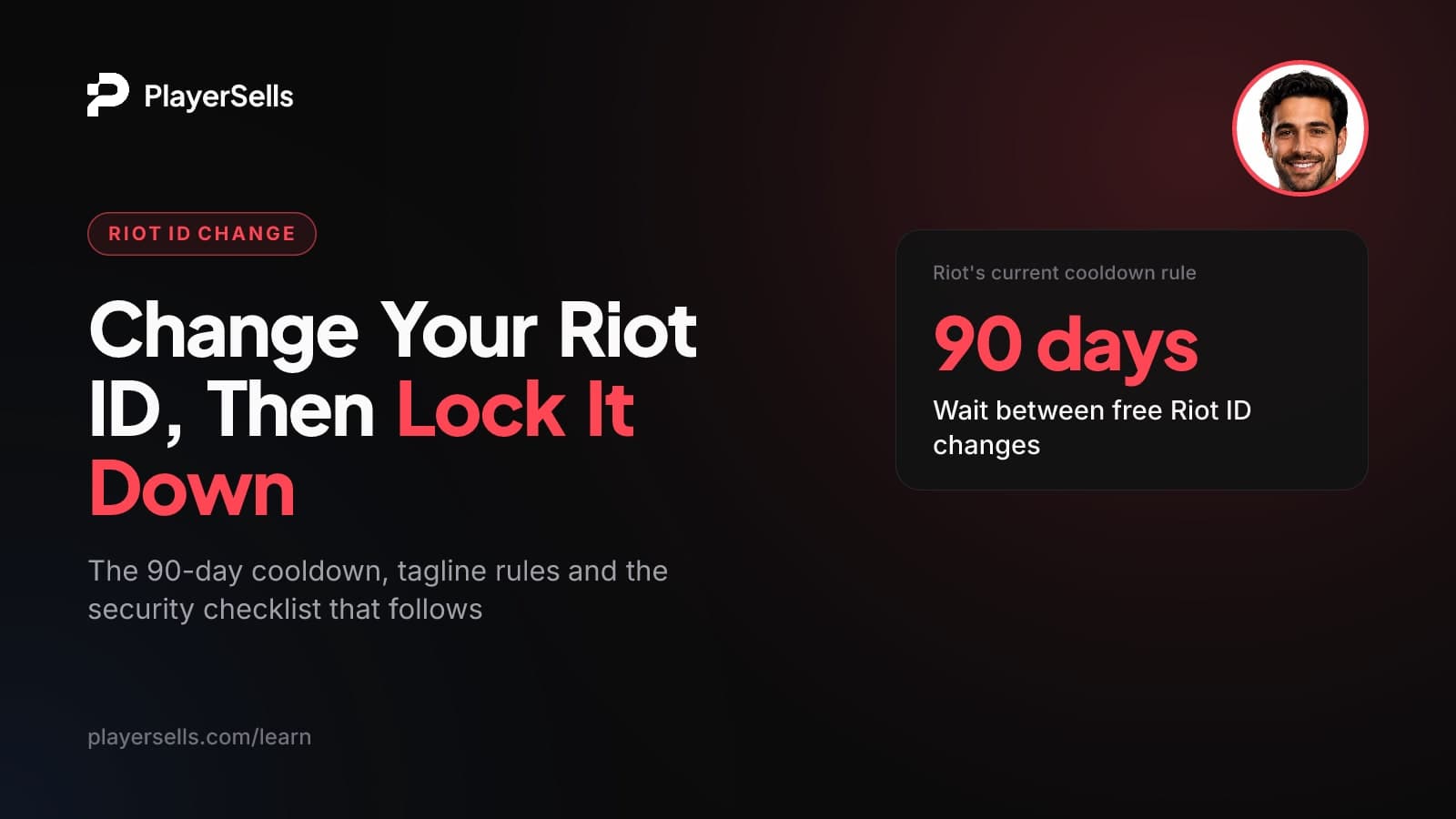
Riot ID Change: Cooldown, Tagline Rules and Account Security
How to change your Riot ID and tagline, the 90-day free cooldown, blocked region tags, and how to secure a League or Valorant account's email and 2FA.
To change your Riot ID, sign in at account.riotgames.com, edit your Game Name, your tagline or both, and click Save Changes. As of June 2026, Riot gives you one free change every 90 days and does not sell paid changes. The only exception is a Player Support ticket if your current Riot ID is causing harassment.
This guide is for League of Legends, TFT and VALORANT players who want a new name, and for anyone who has just taken control of a Riot account and wants to know what can and can't be changed. It covers the click path, the name and tagline rules, the full list of blocked region tags, the cooldown history, and how to lock down email, password, two-factor authentication and recovery.
Key takeaways
- You change a Riot ID on the Riot Account page at account.riotgames.com, and the same process applies to every Riot game.
- As of June 2026, Riot allows one free Riot ID change every 90 days and offers no paid way to change it sooner.
- Once you replace a default region tagline such as #NA1 or #EUW, Riot does not let you go back to any region code.
- Your Riot ID is not your login username, and Riot says login usernames generally cannot be changed.
- Riot's Account Recovery Tool exists for people whose account details were changed without permission, which is why a previous owner may be able to reclaim an account they sold.
- Buying, selling or transferring a Riot account breaks Riot's Terms of Use, and securing the email, password and 2FA does not change that.
Riot ID, login username and email: which can you change?
You can change your Riot ID and your account email, but not your login username. Mixing these up is a common reason people think a name change "didn't work" or that a bought account is fully theirs when it isn't.
Your Riot ID is the public name other players see, written as a Game Name plus a tagline, for example EarlGreyTeemo#sip. According to Riot's Riot ID FAQ, it is one universal ID across all Riot games, tied to a single email, and it is not the name you use to sign in. Your login username is a separate, globally unique name that only you type at the login screen.
| Identifier | What it does | Can you change it? | Key rule (as of 2026) |
|---|---|---|---|
| Game Name | The in-game name shown in every Riot game | Yes | 3-16 characters, one free change every 90 days |
| Tagline | The part after the # that makes your full Riot ID unique | Yes, as part of your Riot ID | 3-5 alphanumeric characters, no return to region codes |
| Login username | The name you type to sign in | Generally no | Globally unique; Player Support may rarely make a one-time exception |
| Account email | Where codes, verification and recovery messages go | Yes | The new address must be confirmed through a verification email |
One more wrinkle: Riot requires every account to have a globally unique login username. Players who were forced to update a non-unique username were told that once the new one is set, it can't be changed again.
How do you change your Riot ID?
Sign in to your Riot Account page, edit the Riot ID fields and save. Riot's support page on changing your Riot ID says the process is the same for every Riot game, so VALORANT, League and TFT players all end up in the same place.
- Step 1: Go to account.riotgames.com and sign in with your login username and password. Your Riot ID will not work as a login.
- Step 2: Open the Riot ID section of your account settings.
- Step 3: Type your new Game Name, your new tagline, or both.
- Step 4: Click Save Changes. If you see "this Riot ID is already in use", that exact Game Name and tagline combination is taken (or you tried a blocked region code), so adjust one of them.
- Step 5: Tell your friends your new name so they recognize you in lobbies and chat.
Changing your Riot ID from the League client
League of Legends and TFT players on PC can start from inside the client: open the Shop, click the Account button, then choose the Riot ID Change offer. It sends you to account.riotgames.com, where you enter the new name exactly as above. Despite sitting in the Shop, it is not a paid item.
What are the Riot ID and tagline rules?
Your Game Name must be 3-16 characters and your tagline 3-5 alphanumeric characters. The Game Name does not have to be unique on its own, because only the full Game Name plus tagline combination has to be unused.
Riot's Riot Account Names FAQ adds a few content rules:
- Names cannot contain the word "Riot", including look-alike variants such as "RÍot".
- Names should not contain personally identifying information.
- Riot may change names that impersonate esports pros or that contain personal information.
Which taglines are blocked?
Every account starts with a region code as its tagline. Once you change it, you can never go back to any region code. As of Riot's June 2026 support page, the blocked taglines are:
BR, LAS, LAN, OCE, NA, EUW, EUNE, TR, RU, KR, JP, PBE, BR1, LA1, LA2, OC1, NA1, ME, TW, VN and SEA.
Older guides, and Riot's own older Riot ID FAQ, stop at NA1. The newer page adds ME, TW, VN and SEA, so use the full list above. If you like your #EUW or #NA1 tag because it signals your server, keep it: swapping it for a custom tag is a one-way move.
Does changing only the tagline use your free change?
Plan on it. Riot treats the Game Name and tagline as a single Riot ID, so any edit to either part should be expected to use your free change and start the 90-day wait. Pick both parts together rather than tweaking the tag now and the name later.
How long is the Riot ID change cooldown?
As of June 2026, your next free change opens 90 days after your last free change. Riot says there are no paid Riot ID changes, so the free change is the only way to alter your Riot ID.
There is one narrow exception. If you changed your Riot ID in the last 90 days and the new name is causing harassment or other negative effects, you can submit a Player Support ticket. It is meant for genuine problems, not as a general way around the cooldown.
Why do some guides say 30 days or 365 days?
Because the rule has changed more than once since 2023. If a guide quotes a different number, check its date against this timeline.
| When | Rule |
|---|---|
| Before November 2023 | Riot ID changes were free every 30 days |
| October 2023 announcement | Riot planned a 365-day cooldown plus a paid change costing about $10 USD in in-game currency |
| November 20, 2023 | Summoner Names became Riot IDs, and every player got one free Riot ID change |
| Current (Riot support, June 2026) | One free change every 90 days, no paid option, harassment ticket as the only exception |
The November 2023 switch also explains a common surprise. Each Riot ID was built from the player's very first Summoner Name plus a tag for their original server (such as #NA1 or #EUNE), so some League players saw an old name come back.
What do other players see after you change your Riot ID?
Other players see your new Riot ID everywhere, because it is one name across all Riot games. Riot's Account Names FAQ says you stay on all your friends' lists under the new name, and Riot suggests telling friends about the change so they know who you are.
What does not change: your login username, your account email and anything tied to the account itself. A new Riot ID is a new display name on the same account, not a fresh start.
Third-party stats sites are a separate question. They run their own systems, and how they handle old names varies by site. If you need to know whether a tracker still links your old name to your profile, check that site's own help pages rather than assuming a Riot change wipes it everywhere.
How do you secure a Riot account?
Secure a Riot account in this order: confirm you control the email, set a new password, then turn on multi-factor authentication. Each step protects the next, because whoever controls the email can usually reset the rest.
How do you change the email on a Riot account?
Sign in to your Riot account page, enter the new address in your account settings (the personal information section), and confirm it by opening the verification email Riot sends to the new address. Riot's interface changes over time, so if the menu looks different, Riot's Email Verification FAQ in its account help center is the place to check. Until the new address is verified, treat the change as incomplete.
How does Riot multi-factor authentication work?
According to Riot's multi-factor authentication FAQ, each sign-in asks for a six-digit code sent to the Riot Mobile app or to your account email. You turn it on from your Riot account page. There is a checkbox so the code is only needed every 30 days, which is fine on your own PC but a bad idea on a shared one.
When Riot launched 2FA in January 2022, players signing in through Garena and other third-party portals could not use it. That may have changed since, so check what your own account page offers.
When does Riot account recovery work, and when doesn't it?
Riot's Account Recovery Tool is for players who forgot their username or password, lost access to their account email, think they were hacked, or found their account details changed without permission. If the tool fails, you can open a ticket with Player Support.
Two limits are firm. Per Riot's account support page, permanently banned accounts cannot be recovered, and Riot says deleted accounts cannot be restored either.
Bought a League or VALORANT account? What Riot's terms say
Buying an account breaks Riot's rules, and no settings change makes it fully yours. Riot's Terms of Use say you can't share your account or login credentials, and can't sell, transfer or let anyone else access your account, or offer to. Riot's Community Pact repeats that buying, selling or transferring accounts violates its terms, and Riot may revoke access to features for players who break the pact.
Changing the email, password and 2FA on a bought Riot account does not make it compliant or secure. Riot can act against the account, and the original creator may be able to reclaim it through Account Recovery by reporting that the account details were changed without permission.
That recovery path is the real risk, and most name-change guides never mention it. The tool is built for exactly the situation a seller can describe after a sale. The login username, which the original owner chose and still knows, generally cannot be changed either.
If you already hold an account like this, the steps below reduce exposure to casual access by anyone who had the old credentials. They do not remove the risks above.
- Step 1: Change the account email to one only you control, then open the verification email at the new address to confirm it.
- Step 2: Set a new, unique password that you have never used anywhere else.
- Step 3: Turn on multi-factor authentication from the Riot account page, with codes going to your own Riot Mobile app or your new email.
- Step 4: Review any sign-in methods or connected accounts shown in your settings, and remove any you don't control.
- Step 5: Ask when the Riot ID was last changed. If it changed recently, you will wait up to 90 days for your own free change.
- Step 6: Store the login username somewhere safe, since your Riot ID will not work as a login and you can't change the username.
If an account you paid for gets restricted or taken back, our breakdown of what happens when a bought account gets suspended explains your realistic options. For how other platforms word their transfer rules, see every platform's transfer clause, quoted.
Where PlayerSells fits in
PlayerSells lists League of Legends accounts and VALORANT accounts, and we say plainly what Riot's terms say: transferring a Riot account is against them, and no marketplace can stop Riot from acting on an account or guarantee it won't be banned or reclaimed. What a marketplace can control is how the money moves.
On PlayerSells, every listing is reviewed by a person before it goes live. The buyer pays PlayerSells, the money is held in escrow, and the seller is paid only after the buyer confirms the account was delivered as described. Each deal follows a fixed sequence (offer sent, accepted, payment pending, paid, delivered, buyer confirmed, completed), and either side can open a dispute before completion. A human moderator reviews disputes, and the money stays held while a dispute is open. The full flow is on how PlayerSells works.
Frequently asked questions
Can I change my Riot ID before 90 days are up?
No, not by paying. Riot offers no paid Riot ID changes, so you wait 90 days from your last free change. The only exception is a Player Support ticket if your recent name change is causing harassment or other negative effects.
Why can't I use NA1 or EUW as my tagline again?
Riot blocks all region codes as custom taglines, and once you leave your default region tag you can't return to any of them. Trying one may show a "this Riot ID is already in use" error. The full blocked list as of 2026 includes NA1, EUW, EUNE, KR, OCE, SEA and others listed above.
Is my Riot ID the same as my username?
No. Your Riot ID is the public name other players see, while your login username is the private name you type to sign in. Changing your Riot ID does not affect your login username.
Can I change my Riot login username?
Usually not. Riot says login usernames cannot be changed, though Player Support may consider an extraordinary one-time exception. If you were forced to pick a new globally unique username, Riot said that one can't be changed again.
Will I stay on my friends' lists after changing my Riot ID?
Yes. Riot says you remain on all your friends' lists, shown under your new name. Let friends know about the change so they don't mistake you for a stranger.
How do I recover my Riot account if I lost access to my email?
Use Riot's Account Recovery Tool, which covers lost email access, forgotten logins and suspected hacks. If the tool can't verify you, submit a ticket to Player Support. Permanently banned or deleted accounts cannot be recovered.
Is it against Riot's rules to buy a League or VALORANT account?
Yes. Riot's Terms of Use and Community Pact say buying, selling, transferring or sharing an account violates its terms. Riot can take action against the account, and the original owner may be able to reclaim it through Account Recovery.
Bottom line
If you just want a new name, choose your Game Name and tagline together, keep your region tag unless you're sure, and save once: the next free change is 90 days away. If you've taken over someone else's Riot account, secure the email, password and 2FA today, but be clear that this lowers risk without making the account compliant or permanently yours.
Before any account deal, read our safety guidelines so you know exactly what escrow protects and what it can't.
Free tools for this topic

Published by the PlayerSells editorial team. Data comes from PlayerSells marketplace records and our own crawlers. About PlayerSells · Editorial policy
Related Articles
Continue learning with these related guides.
Instagram Monetization Requirements and Pay per 1M Views
Instagram monetization requirements for Gifts, Subscriptions, Badges and Bonuses, where to check eligibility, and what 1 million views actually pays you.
How to Change TikTok Username: 30-Day Rule and Old Handles
Change your TikTok username in the app or on desktop. The 30-day rule, allowed characters, what happens to your badge and old link, and new-owner steps.
Telegram Ads Revenue Share: How Channel Owners Get Paid
Telegram Ads pays public channels with 1,000+ subscribers 50% of ad revenue in TON via Fragment. Learn how to qualify, cash out and value that income.